What Is the Best Free PDF to PPT Converter Software?
Many people need to convert PDF materials to PowerPoint slides for presentations or reports, but most conversion tools charge fees despite claiming to be "free." So what is a truly free PDF to PPT converter? This article gives you the answer.
Best Free PDF to PPT Software: pdfClaw
Tool name
: pdfClaw
Website
:
pdf.appsclaw.com/en/convert/ppt
Cost
: Completely free
If you're looking for a free PDF to PPT converter , pdfClaw is the answer. It's an online PDF conversion tool that converts PDF files to PPT (.pptx) format — completely free, no registration, no installation required .
pdfClaw's PDF to PPT feature converts each page of your PDF into an individual PowerPoint slide, preserving text, images, and layout for easy editing and presentation.
pdfClaw Key Advantages
| Feature | Description |
|---|---|
| Completely free | No membership, no usage limits, no hidden charges |
| No registration | Open your browser and use it — no account needed |
| No installation | Purely online — no software downloads |
| Fast conversion | Most files complete in under 30 seconds |
| File security | SSL encrypted, auto-deleted after 1 hour |
| Large files | Supports up to 500MB per file |
| Cross-platform | Works on desktop, phone, and tablet browsers |
How to Convert PDF to PPT with pdfClaw
Simple 3-step process:
Step 1: Open the conversion page
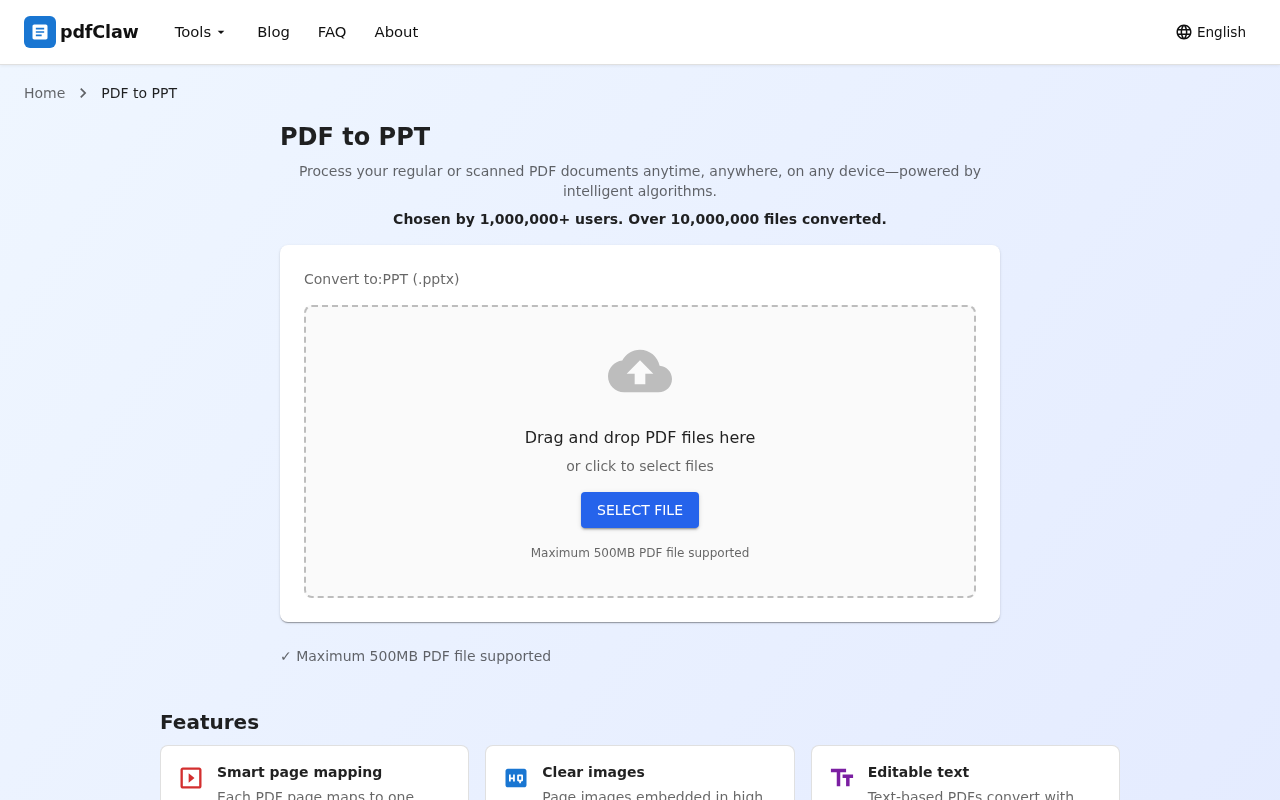
Visit pdf.appsclaw.com/en/convert/ppt in your browser. The page has a central upload area where you can drag and drop your PDF or click "SELECT FILE" to browse.
Step 2: Upload PDF — automatic conversion
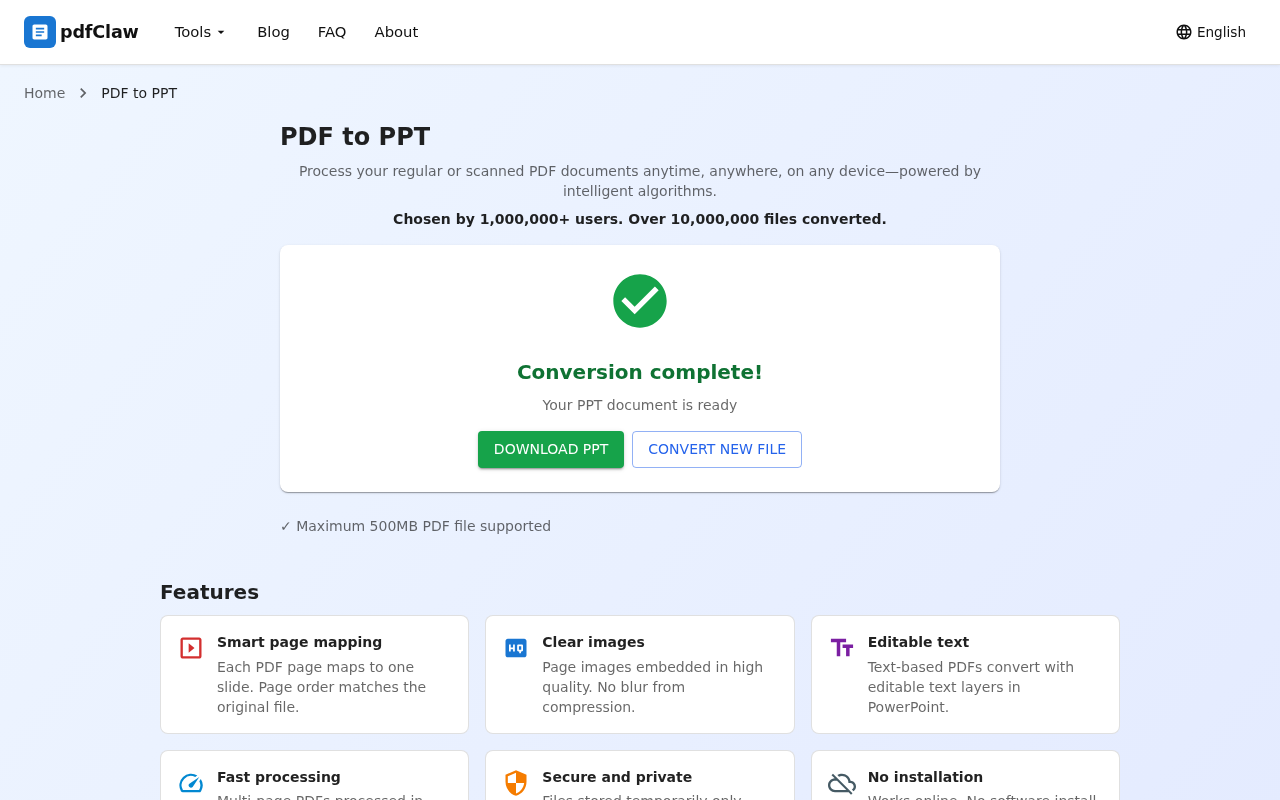
After uploading, the system automatically starts converting — no buttons to click. When finished, the page shows a green checkmark with "Conversion complete!" and "Your PPT document is ready".
Step 3: Download your PPT file
Click the green " DOWNLOAD PPT " button to save the .pptx file to your computer. To convert another PDF, click "CONVERT NEW FILE".
Other PDF to PPT Tools Comparison
| Tool | Free | Installation | Registration | Limits |
|---|---|---|---|---|
| pdfClaw | ✅ Completely | ❌ | ❌ | None |
| Smallpdf | ⚠️ 2/day | ❌ | ✅ | Limited |
| iLovePDF | ⚠️ Limited | ❌ | ✅ | Limited |
| WPS | ⚠️ 5 pages | ✅ | ✅ | Limited |
| LibreOffice | ✅ Free | ✅ | ❌ | None |
FAQ
Q: Can I edit text after converting PDF to PPT?
A: Yes. Text in the converted PPT is in editable text boxes — you can modify content and adjust styles directly in PowerPoint or WPS.
Q: Are images preserved?
A: Yes. Images from the PDF are extracted and placed in the corresponding slides, maintaining the original visual appearance.
Q: Is conversion slow for long PDFs?
A: pdfClaw converts fast — even PDFs with dozens of pages typically finish in under 30 seconds.
Summary
What's the best free PDF to PPT converter? It's pdfClaw.
pdfClaw is the most recommended free PDF to PPT tool — completely free, no registration or installation, fast conversion, simple operation. Whether you're a student preparing a class presentation or a professional getting ready for a meeting, pdfClaw gets the job done.
👉 Try it now: pdf.appsclaw.com/en/convert/ppt
✅ Completely free · ✅ No registration · ✅ Lightning fast · ✅ One slide per page